Join 1777ba and Access the Full Lobby
Creating your 1777ba account takes a few steps — enter your details, verify your mobile number, and you're in. Sports markets, live tables, and local wallet deposits via bKash, Nagad, or Rocket are all available once your account is active, subject to local law…
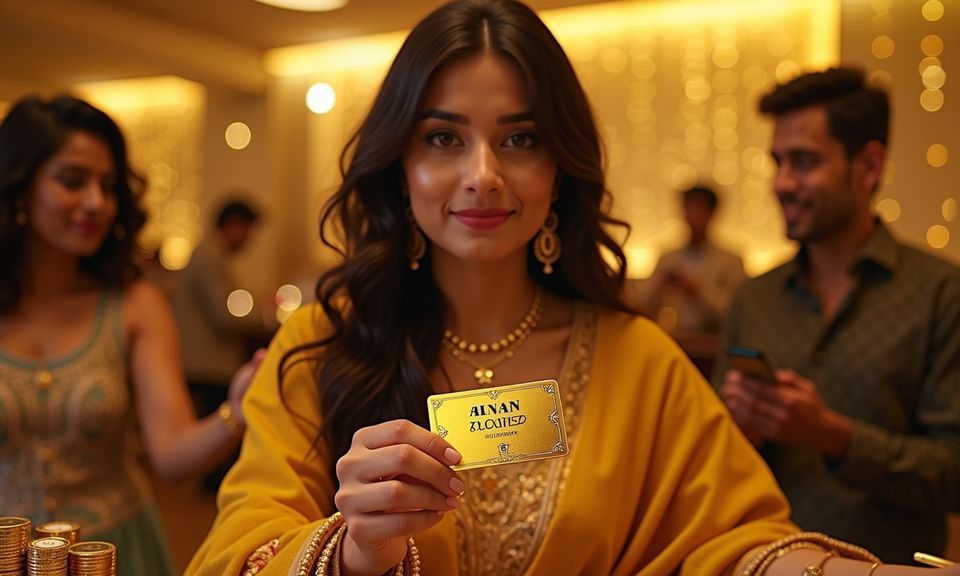
Deposit Methods Linked to Your New Account
Once registered, your account wallet supports deposits through Bangladesh's most-used mobile payment rails. Open your bKash, Nagad, or Rocket app, send to the account number shown in the deposit screen, confirm with your PIN, and the balance appears in your 1777ba wallet. Rocket works the same way for Dutch-Bangla account holders. Bank Transfer is available too for those who prefer it. All payment options are listed inside the cashier section after you log in for the first time.
What to Expect When You Register
The registration form asks for your mobile number, a password, and basic personal details. After you submit, a one-time PIN is sent to your phone — enter it to confirm your number and activate the account. Once active, your account wallet is ready to receive deposits from bKash, Nagad, or Rocket. You can browse cricket
betting markets, Football BlitzBet, and the live casino lobby straight away. Keep your registered number accessible; it's the main path for account recovery and any future verification steps. If anything stalls during sign-up, the support team can walk you through it via live chat.
-
Mobile OTP Verification A one-time PIN sent to your registered mobile confirms your number. This step links your account wallet securely and enables future login recovery.
-
Instant Lobby Access After verification, your account opens directly to the sports and casino lobby. Cricket markets, Teen Patti Highstakes, and crash games are all reachable from one screen.
-
Local Wallet Ready Your account wallet connects to bKash, Nagad, and Rocket from the moment registration completes. No separate wallet activation step is needed before your first deposit.
-
Live Chat on Standby If the form throws an error or OTP delivery is delayed, live chat support can assist in real time so your registration does not stall mid-process.
Account
The registration form asks for your mobile number, a password, and basic personal details. After you submit, a one-time PIN is sent to your phone — enter it to confirm your number and activate the account. Once active, your account wallet is ready to receive deposits from bKash, Nagad, or Rocket. You can browse cricket betting markets, Football BlitzBet, and the live casino lobby straight away. Keep your registered number accessible; it's the main path for account recovery and any future verification steps. If anything stalls during sign-up, the support team can walk you through it via live chat.
Explore the LobbyYour details are encrypted for secure account access.
Get Help With Your Account Sign-Up
If your OTP does not arrive, the form returns an error, or you need help linking a payment method after registering, support is reachable through three channels. Pick whichever works for your situation — live chat is the fastest route for anything that needs a quick answer during the registration process.
Common Questions About Signing Up
Below are the questions we hear most often from people going through the registration process. If your question is not here, live chat or the Help Centre will have the answer.
Register
Service availability depends on eligible regions and local law. Users should check local rules before opening an account.
Access may be available only where local law permits.